Troubleshooting
Symptom-first fixes — blank scenes, missing styles, events that never fire, silent audio, and license states.
When a published page misbehaves, the cause is usually one of a few known gates: a container with no height, a scene with no link, a browser without WebGL2, or a license state that changed what boots. Find your symptom below.
The scene area is blank
Work through these in order — they cover nearly every blank canvas:
- The scene has no linked element. An unlinked scene never renders on the public site. Open the editor, select the scene, and check the Linked Element row in its Structure section. On the broken page, the browser console names the scene it skipped (
[volux] …). - The container has no height. The 3D canvas paints inside the linked element's box — a zero-height container (a custom size of 0, or an empty auto-height element) clips the whole scene. Give the element real height, or set the scene's Size to Full Height on a container that has height.
- The scene resolves to the editor's personal camera. Legacy scenes with no real default camera are skipped rather than rendered. Set a real camera as the scene's default.
- WebGL2 is unavailable. The whole canvas — editor or page — needs a WebGL2-capable browser (Chrome, Edge, Firefox, Safari). Headless browsers, remote desktops, and some virtual machines disable GPU access; test in a normal desktop browser.
Particles blank but everything else renders?
GPU particles additionally need the EXT_color_buffer_float WebGL2 extension. Without it, particle emitters render nothing while the rest of the scene keeps working — there is no fallback tier. See Requirements & Installation.
My HTML overlay's styles look different
The overlay's HTML is sanitized on save — server-side, always. One quirk to know: rgba() color values are dropped entirely (the declaration disappears), while hex values — including 8-digit hex with alpha — survive. If an overlay loses its background or border color, rewrite the style with hex colors:
/* Dropped by the sanitizer */
background: rgba(0, 0, 0, 0.5);

/* Survives */
background: #00000080;
Clicks and events never fire
First, the basics: events run on the public page only — the editor never fires them, so test in the preview or on the live page. Element triggers are also a smaller set than object triggers: page elements respond to click, hover, and scroll only.
If a specific object still ignores clicks, open the browser console on the page and inspect the object's mesh:
mesh.__r3f.eventCount0 means no event handlers ever reached the mesh — the event config didn't make it onto the object. 1 or more means handlers are attached and the trigger's own condition is what to check next.
Audio stays silent
Browsers refuse to play sound until the visitor interacts with the page. An autoplaying speaker starts after the first click, tap, or keypress — that is the browser's rule, not a setting. If you need guaranteed sound, drive the speaker from a click event instead of autoplay. Also check the obvious: the speaker's volume, and the browser tab's own mute state.
Physics never runs
Physics is a scene setting and runs on the public page only. Three gates in order:
- The scene's Simulation section must have its enable toggle on.
- The playback window decides when — Manual holds everything until a Physics Control action fires
start, which reads as "nothing falls". - Per object, enable must not be No, and a hidden object sits out of the simulation entirely.
The page warns about my license
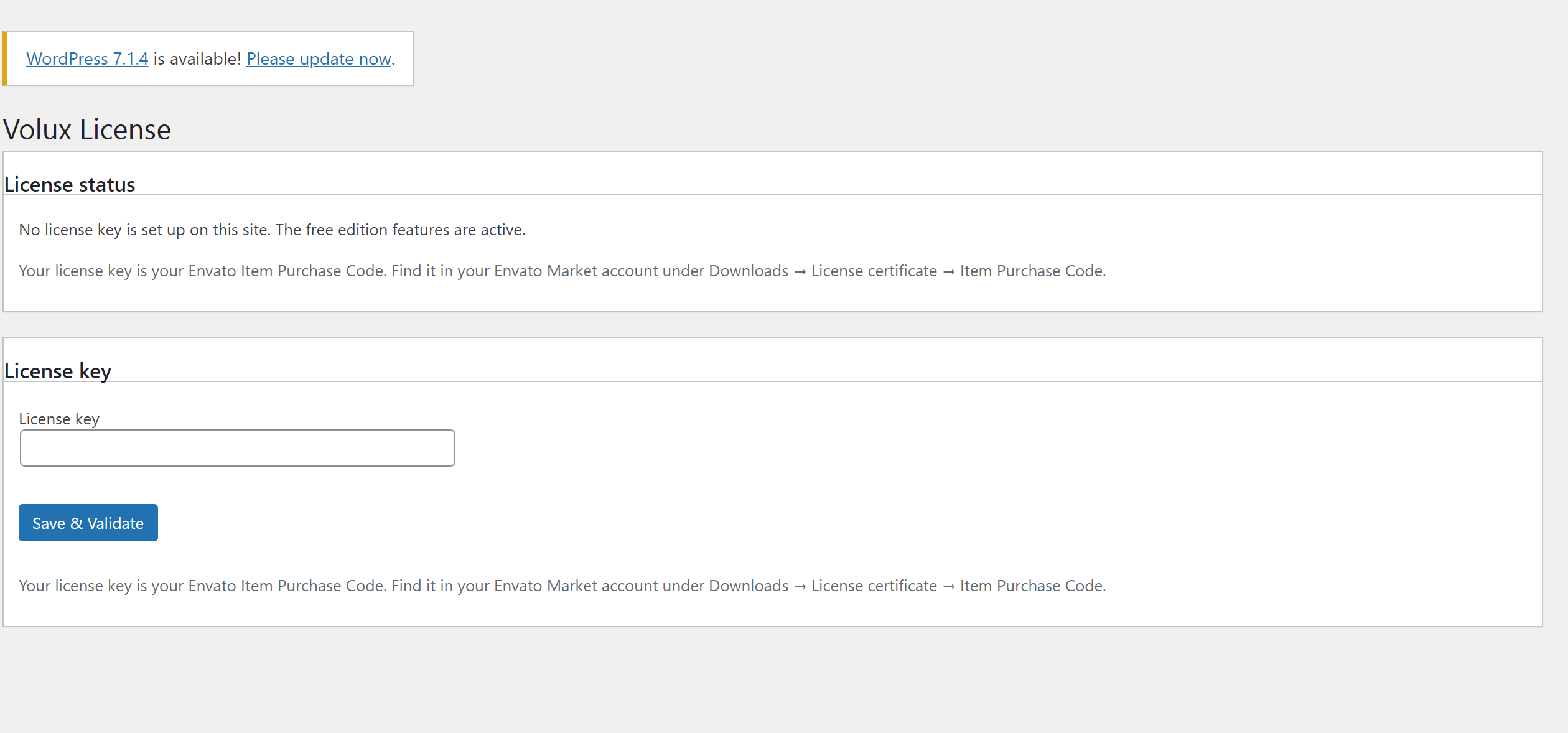
License states are the same on every page of your site — they resolve at load and change on the next boot after an update:
- Expired or over the activation limit, under grace — your existing Pro content keeps rendering and editing; only creating new Pro content (adding particles, speakers, physics, and the like) shows a warning and is denied. An expired license under grace is a renewal prompt, not a lockout.
- The server can't be reached — nothing changes. Validation failures never alter your stored license; an unreachable server can't revoke or expire you. Your site keeps booting with whatever was last stored.
- Revoked — Pro features are absent on the next boot.
- Over the activation limit — free a slot with Deactivate this site on the old site's License page; stale activations also free themselves automatically after 30 days.
The full matrix, with every reason and its way out, lives in Activation & License.
Next
- Frontend Behavior — what runs for visitors and under which rules.
- Activation & License — grace states and license transfer in full.
- Publishing Scenes — the link and container rules behind most blank scenes.
Performance Best Practices
The levers that keep published pages fast — lazy features, particle budgets, material layers, and light counts.
Extend Volux
Register feature modules, command-bus families, and panels through the public voluxPlugin API.
Last updated on