Performance Best Practices
The levers that keep published pages fast — lazy features, particle budgets, material layers, and light counts.
Volux keeps the main frontend bundle lean — heavy features ship as lazy chunks that load only when a page actually uses them. Most of the remaining performance story is yours: what you put in the scene decides what visitors download and what every frame costs. This page maps each lever to the knob that controls it.
Lazy features only load when used
Two of the heaviest capabilities never touch a page that doesn't call for them:
- Physics loads the simulation engine as a lazy chunk (roughly 2 MB of WebAssembly) fetched only when a scene enables physics. Leave physics off for scenes that don't simulate and visitors never download it.
- Postprocessing loads the effects library (~316 KB) only when a scene's effect stack is non-empty.
This works in your favor by default: a plain marketing page with two scenes ships no physics engine and no effects library at all.
Budget particle emitters by rate and lifetime
Emitter capacity is computed, not guessed: emission rate × worst-case lifetime + 1, capped at 262,144 particles. An emitter pushing 50 particles per second with a 2-second lifetime needs a tiny buffer; the same rate with a 60-second lifetime needs 3,001 slots.
- Long lifetimes multiply the buffer faster than high rates — trim lifetime before trimming rate.
- One-shot effects settle to idle when their particles die; a finished burst stops costing frame time.
- The simulation runs entirely on the GPU. If the browser can't provide float render targets (rare, but real on old devices), the emitter renders nothing — test on your lowest target device.
Keep material layer stacks short
Every object's material is a stack of layers blended top-down. Each layer adds work to that object's shader; a stack that folds five image layers through alpha blending costs more per pixel than two. When a stack is final, keep it lean — the layer order and kinds rebuild the material, while values apply instantly.
Textures upload at full size
Image textures ride your WordPress media library as-is — an 8192-pixel map carries 16 times the pixels of a 2048-pixel one, and visitors download and the GPU stores every one of them. Resize source images to what the camera actually sees (often 1024–2048 pixels is plenty for a hero object) before uploading.
Prefer baked geometry over long modifier stacks
Modifiers evaluate live in both the editor and the public page, so a five-stage stack re-runs its pipeline whenever the object rebuilds. Once a stack has done its job, use Bake to Geometry — the evaluated mesh becomes the object's real geometry and the stack clears in the same step. Visitors render the result directly, with zero evaluation.
Mind the light count
Lights are the cheapest thing to tune and the most expensive to churn:
- Changing intensity or color is nearly free — it applies to the running scene directly.
- Adding or removing lights recompiles the affected materials — the renderer rebuilds its shader programs against the new light roster. That's a one-time hitch per change, not a per-frame cost, but it lands while the visitor is watching.
A sun plus one or two fills covers most scenes; every extra light adds per-pixel shading to everything it touches.
Spend postprocessing deliberately
Each effect in a scene's stack adds a per-pixel pass over that scene's render. Bloom over a hero scene is usually worth it; five stacked effects are rarely. Because the chain is a per-breakpoint setting, you can give mobile bands a shorter chain — full effects on desktop, bloom-only on the phone width — instead of one heavy chain everywhere.
Fewer scenes, tighter canvases
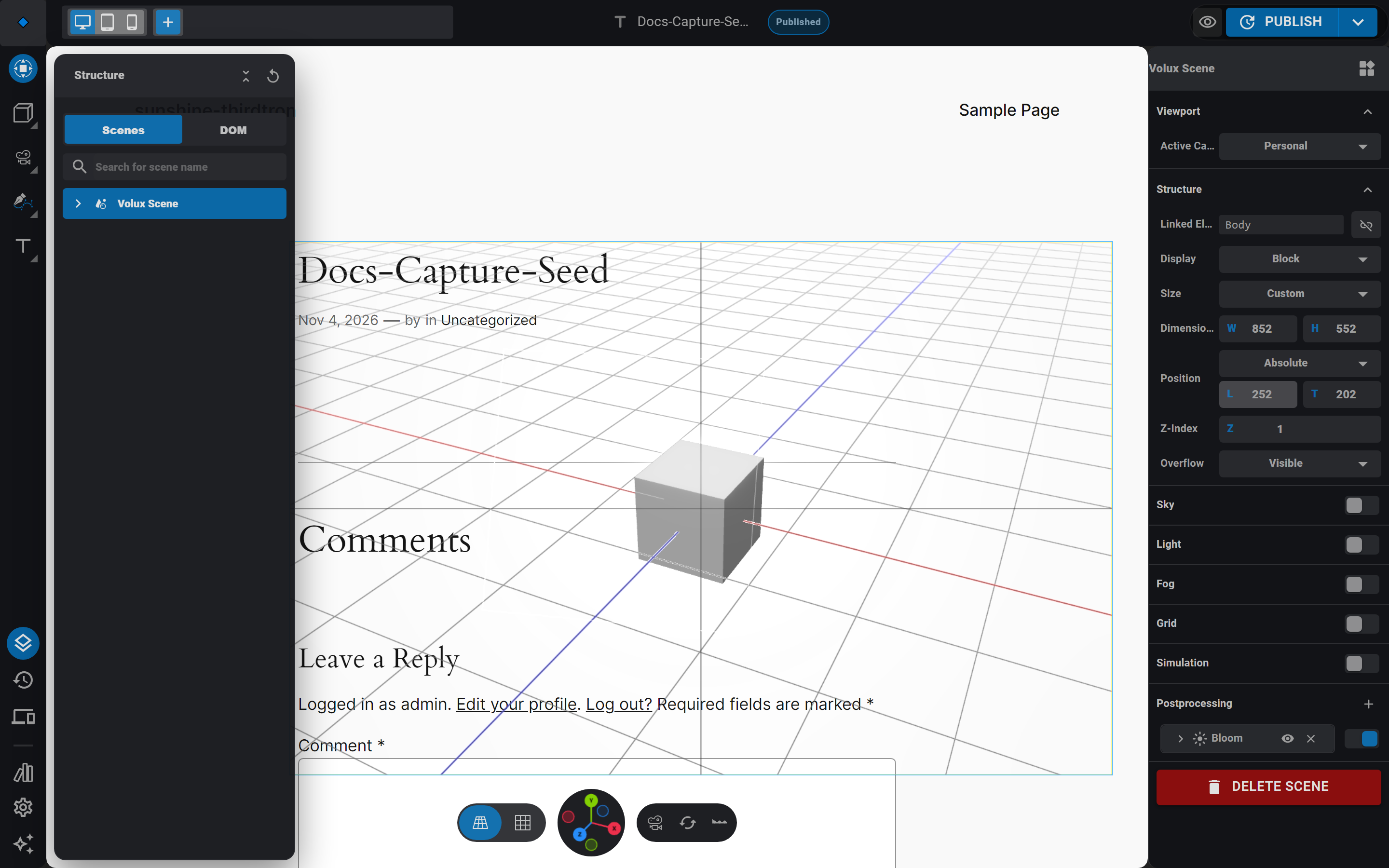
All of a page's scenes share one WebGL canvas and render into it on demand — a page where nothing moves draws no frames beyond the first paint. Motion is what drives the frame rate: physics steps, live particles, playing clips, and running tweens each keep their scene redrawing. Fold scenes together where they share a camera, keep container sizes honest (a full-screen scene costs more per frame than a 400-pixel strip), and remove scenes you stopped using.
Next
- Frontend Behavior — what runs for visitors and when.
- Particles — emitters, seeds, and force fields in full.
- Post-Processing — the effect chain and its controls.
Frontend Behavior
What runs for visitors — events, physics, audio, cameras, and responsive bands on the public page.
Troubleshooting
Symptom-first fixes — blank scenes, missing styles, events that never fire, silent audio, and license states.
Last updated on